
Is Peptrend free? What the free tier covers and what Pro costs
Yes — Peptrend has a free tier, and it owns the record: every weigh-in, every dose, the full history, the raw scale chart, JSON import and export, Apple Health both ways, iCloud sync, dose reminders, the in-your-system chart and the vial log. Pro buys the smoothed trend line and everything computed from it — $12.99/month, $69.99/year, or $99.99 once. The 7-day trial is on the subscriptions only.
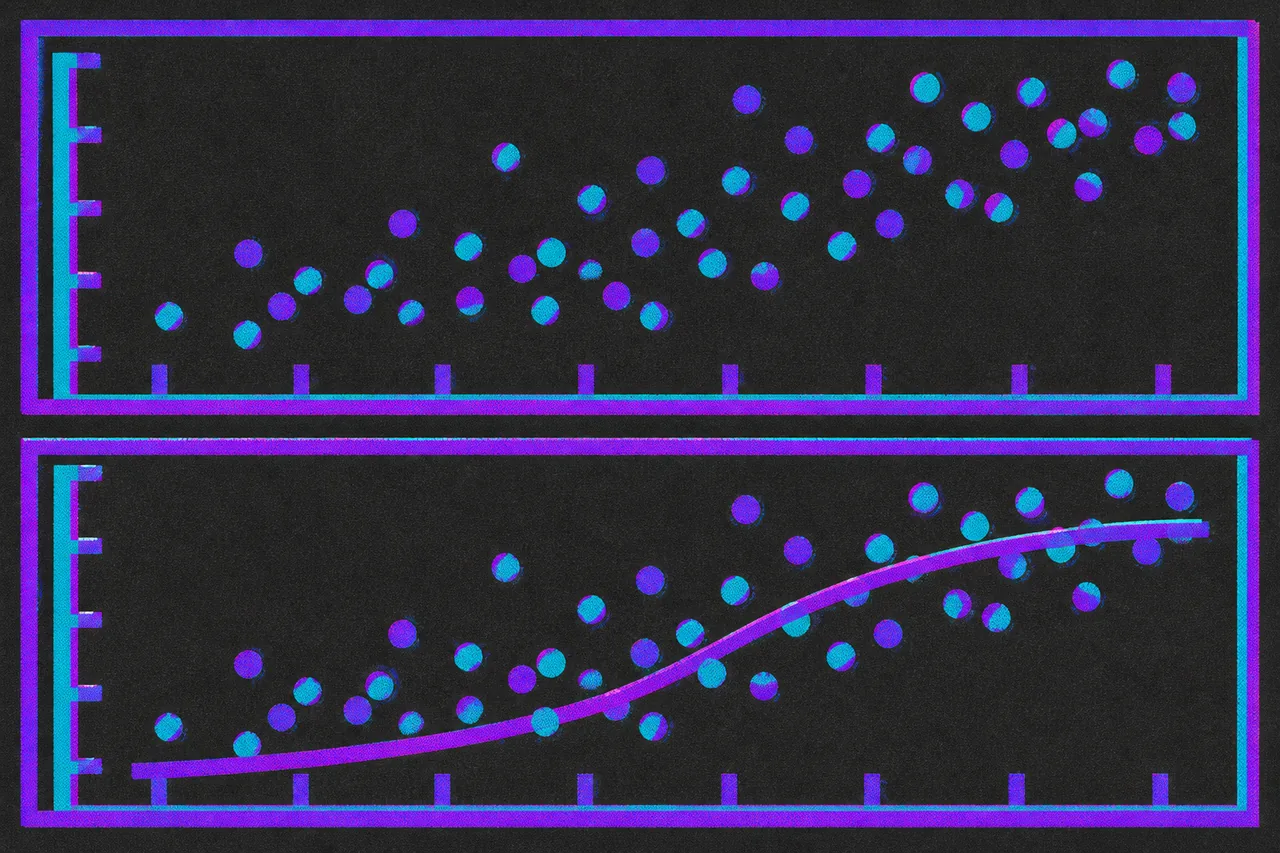
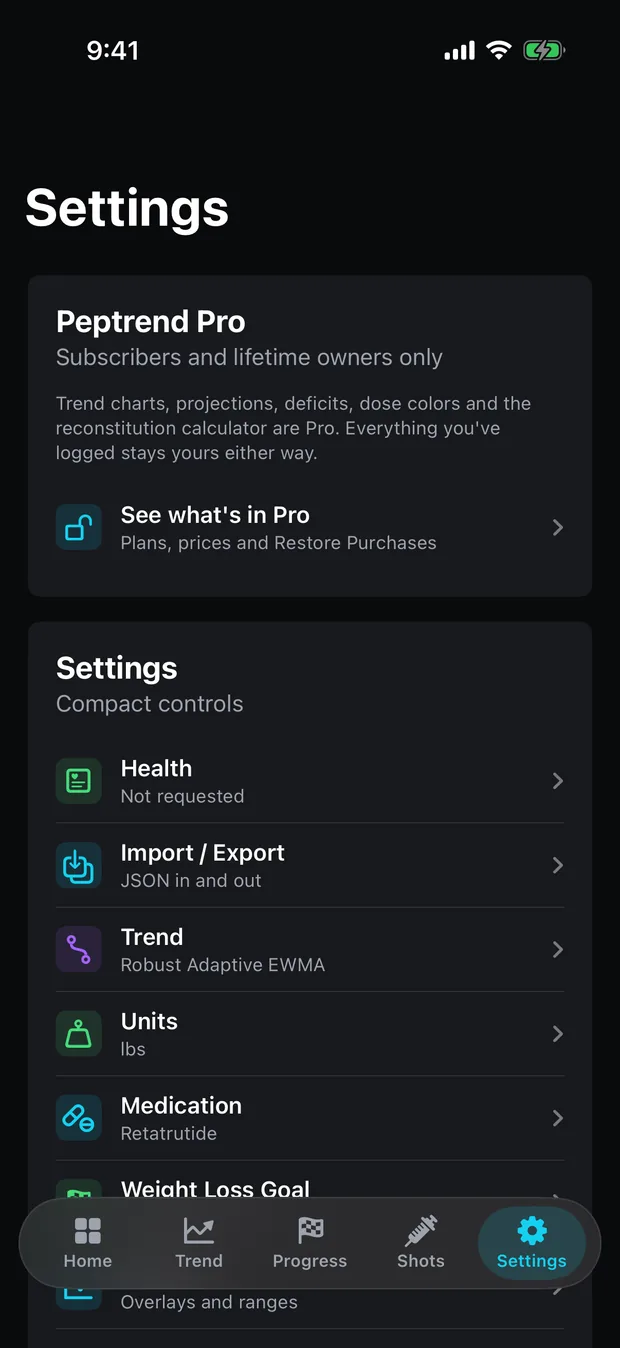
The paid line in Peptrend is a line on a chart. Everything you record — weigh-ins, doses, vials, goals and the whole history behind them — is free and stays free. Pro buys the smoothed trend line and the numbers computed from it. The Settings card says so before you tap into it: “Trend charts, projections, deficits, dose colors and the reconstitution calculator are Pro. Everything you’ve logged stays yours either way.”
Three ways to buy it: $12.99 a month, $69.99 a year, or $99.99 once. The 7-day free trial is attached to the two subscriptions and to nothing else.
What do you get in the free version?
The free tier owns the record — the whole log, however long it runs, plus every route data takes in or out.
- Every weigh-in and every dose, with the complete history lists behind them.
- The raw weight chart on the Scale Data screen — Settings › Scale Data, or tap the Scale card on Home — every dot, no gate anywhere on it.
- “Latest” on the Trend tab header, which reads the last raw weigh-in; the two trend-derived figures beside it carry the gate.
- JSON import and export. Import reads the shape that several dose-tracking apps already produce; export writes
peptrend-export.jsonand hands it to a share sheet. - Apple Health weigh-in sync, in and out — body mass, full history in, no background delivery. Weigh-ins you type into Peptrend are saved back to Health when you allow the write permission; rows that came from Health or from a JSON import are never written back. Athlete Mode, the tab added in 1.4.0 that charts ten fitness metrics from Health beside your doses, is the one Apple Health feature on the Pro side.
- iCloud sync through your own private CloudKit database.
- The dose reminder: one local notification, off until you turn it on.
- The “Estimated Dose In Your System” chart and the Next Shot card with its countdown ring.
- The vial history card, including the shot count drawn from each vial.
- On Progress: Target Weight, Duration, Scale Actual Rate, distance to goal and percent complete.
- The colour you pick for a dose while logging it, which the source treats as part of the record.
Several of those carry a source comment explaining the decision. Two of them state the rule the rest follows. Beside the gate on the reconstitution button, guarding the vial list underneath it: “Taking away a record someone already saved is not a paywall, it’s a hostage.” And beside Scale Actual Rate on the Progress tab: “Raw scale entries, so it stays free: this is arithmetic on the weigh-ins the free tier already owns.”
What does Peptrend Pro add?
Nine gates sit on the trend chart or on the goal analysis built over it. Five more cover the reconstitution calculator, the dose-over-time chart and the three colour features. Version 1.4.0 added a fifteenth, Athlete Mode, whose Apple Health fitness charts sit behind the same gate as every other computed surface.
| Screen | Free | Pro |
|---|---|---|
| Scale Data | The raw weight chart, every weigh-in, the whole history | — |
| Trend | “Latest” weigh-in; choosing among the default set of methods | The trend chart itself, the method swiper, Current Weight, Weekly Weight Change, Energy Deficit, 30-Day Projection, the deficit chart, Advanced Mode, the parameter editor |
| Progress | Target Weight, Duration, Scale Actual Rate, distance to goal, % complete | The weekly waterfall, Optimistic ETA, Trend Actual Rate, the Analysis verdict, dose-coloured bars |
| Shots / Doses | Every dose, the history, the Next Shot card, the In Your System chart, the vial history | Dose Over Time, dose colour ramps, the reconstitution calculator and the vial mix chart |
| Home | The Scale, Progress, Doses and In Your System cards; the check-in streak and 7-day grid | The Trend and Deficit card values and their sparklines |
| Settings | Import, export, Apple Health, iCloud sync, reminders, units, medication, goal setup | The App Colors editor — the six chart roles |
| Athlete (added in 1.4.0) | The tab, with locked charts | The ten fitness charts from Apple Health, shaded by your doses |
The calculator in that last group takes vial strength in mg and bacteriostatic water in mL and returns one number, mg/mL. It refuses to work out a draw volume, deliberately, under App Review guideline 1.4.2 — why a calculator should refuse covers that decision and the guideline behind it. The vial history it writes into stays free, which is the hostage rule again.
What does a locked feature look like?
Gates come in three styles, and the difference is the point. .plate replaces the content entirely and never computes it. .control draws the real control and refuses to act on it. .redacted blocks out the number while the label and the footnote survive.
So the free tier, on the Progress tab, reads “Optimistic ETA”, a blocked-out date, and the footnote underneath it in full — with the three-month range picked, “Assumes the rate over the last 90 days is sustained.” You can see what the figure claims to be, and the assumption it rests on, before deciding whether that is worth $12.99. The Advanced Mode toggle is a .control gate for the same reason: the switch is drawn and labelled, and it does not move.
Which trend methods can the free tier pick?
The free tier picks among the default set in Settings: since 1.4.0, a fresh install’s set is Rolling Median, Robust Adaptive EWMA and Weekly Average, the three on the trend chart’s method strip, and anyone who already chose their own set keeps it. The other methods are a tap away in Settings, and the advanced list is Pro. At the free tier the setting exists and the output does not: the chart that would draw it is the paid feature.
That matters more than a settings row usually would. Run all fifteen over one user’s log — 84 weigh-ins over 225 days — and the final readings run from 182.9 lb to 187.0 lb on identical data. The fifteen methods lists each one with its parameters, and EWMA explained for weigh-ins works through the arithmetic of the family most of them belong to.
How much does Pro cost, and who gets the free trial?
Monthly at $12.99, yearly at $69.99, lifetime at $99.99 as a one-off. Both subscriptions carry 7 days free; lifetime carries no trial at all.
Apple’s plumbing decides that shape. The two subscriptions share one subscription group, so a switch from monthly to yearly is handled as an upgrade. Lifetime sits outside the group as a non-consumable, and App Store Connect attaches introductory offers to auto-renewable subscriptions only, so there is no mechanism to hang a trial on it.
The second rule decides who sees the trial at all. Apple’s subscriptions documentation states it in one sentence: “Customers can redeem one introductory offer per subscription group.” App Store Connect’s help spells out the case people hit: if a customer uses a free trial and then upgrades to another subscription in the same group that also has a free trial, they are not eligible for the second offer. The same page covers the returning customer too: “New and returning customers are only eligible to use one introductory offer per subscription group.”
Peptrend’s paywall copy is built around that. It prints trial wording only after StoreKit confirms your eligibility, because a trial advertised in the app and absent at checkout is a rejected build. It writes the offer as “7 days”, on the reasoning that somebody counting a trial down counts days. And nothing on the paywall formats a price itself — every price string arrives already localised from StoreKit, so what you are charged is Apple’s figure for your storefront and the App Store listing is the authority on it.
The required disclosure sits on the same screen: payment charged on confirmation, auto-renewal at the same price unless you turn it off at least 24 hours before the period ends, managed in Settings › your name › Subscriptions, and any unused part of a trial forfeited when you buy. Apple’s own cancellation page has the steps.
What syncs between your devices?
Seven models mirror through CloudKit: weight entries, doses, vials, schedules, injection sites, goals and the settings singleton. The Pro entitlement is kept out of AppSettings and out of that mirrored set, so it never syncs.
It comes from Apple’s transaction record instead. Restore Purchases pulls it back on a new device, refunds and cross-device purchases arrive through StoreKit’s transaction updates, lifetime outranks everything, billing grace periods keep Pro alive, and a lapsed subscription locks at the instant of expiry. There is a local cache for launch latency; it carries its own expiry, and Apple’s transaction record overrides it.
The practical result: no account and no server of the app’s own to hold your entitlement or your weigh-ins. The privacy page covers where the data does live.
What happens if your subscription lapses?
You lose the computed figures and nothing else. When Pro ends, the plates and redactions come back over the trend chart, the waterfall, the deficit and the projections. Your weigh-ins, doses, vials, goals and injection sites are untouched. The Scale Data chart still draws every dot, Apple Health still reads in and saves back, iCloud still syncs, the reminder still fires, and the export still writes a file you can take somewhere else.
The export is not a full backup. It writes weights, doses and goals — dates, values, sources, medication names, injection sites, taken flags — and omits vials, schedules, the injection-site list, settings, colours, pain levels and delivery methods.
If you are starting from scratch, importing years of weigh-ins from Apple Health costs nothing and gives any trend method a real window to work with from day one. Setting a goal the maths will support is free to do, and five of the figures it produces are free to read; that post walks through each one and says where it comes from. The support page covers restoring a purchase, and everything else that goes wrong on a new phone.
Common questions
How much does Peptrend Pro cost?
$12.99 a month, $69.99 a year, or $99.99 once for lifetime access. Both subscriptions carry a 7-day free trial; lifetime carries none. Every price string in the app arrives already localised from StoreKit, so the App Store listing is the authority for your storefront.
If I cancel Peptrend Pro, do I lose the data I logged?
No. Every weigh-in, dose, vial and goal stays in the app and in your private iCloud database, the history lists stay readable, and the JSON export keeps working. The gates hide computed figures; they never delete a record.
Does the $99.99 lifetime purchase come with the 7-day free trial?
No. Lifetime is a non-consumable sold outside the subscription group, and Apple attaches introductory offers to auto-renewable subscriptions only. The trial exists on the monthly and yearly plans.
Can I take the free trial twice, once on monthly and once on yearly?
No. Apple allows one introductory offer per subscription group per Apple Account, and both Peptrend subscriptions sit in the same group, so switching between them is handled as an upgrade and no second trial appears. The app only prints trial wording once StoreKit has confirmed you are eligible for it.
Is there any weight chart at all in the free version?
Yes. The Scale Data screen — Settings › Scale Data, or the Scale card on Home — draws every raw weigh-in with no gate anywhere on it. Pro adds the smoothed line over those dots and the figures derived from it.